Epson iProjection
Seiko Epson Corporation
Downloads
5,000,000+
Source
Google Play
Advertisement
Click to download now, finish the installation quickly, and directly unlock the all-round experience
Advertisement
Screenshots
Click to download now, finish the installation quickly, and directly unlock the all-round experience
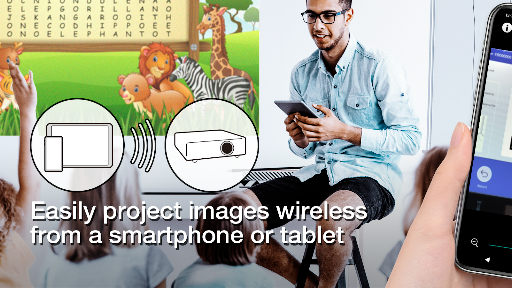
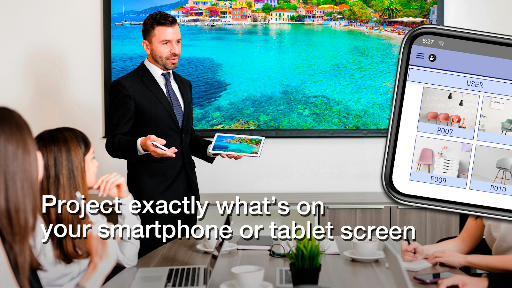
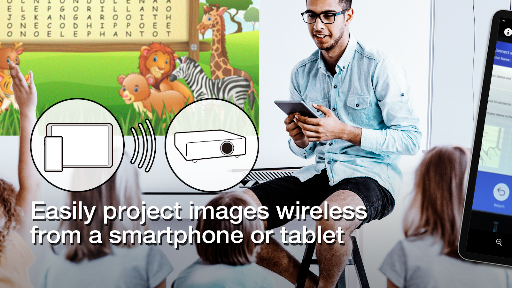
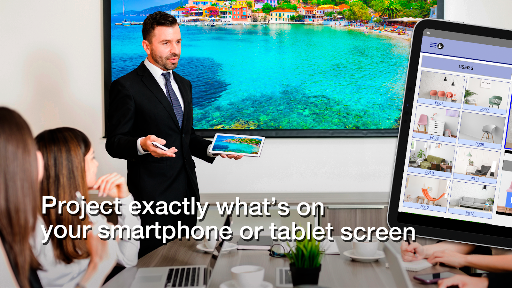
Epson iProjection connects an Android device to a supported Epson projector over a network. It can mirror the device’s screen, show photos and PDFs, display a web page, or send a live camera view to the projector. That makes it useful for someone presenting from a phone or tablet, or sharing documents and images in a class or meeting. Screen mirroring can also send audio through the projector.
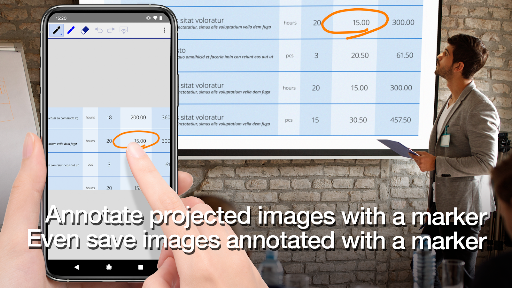
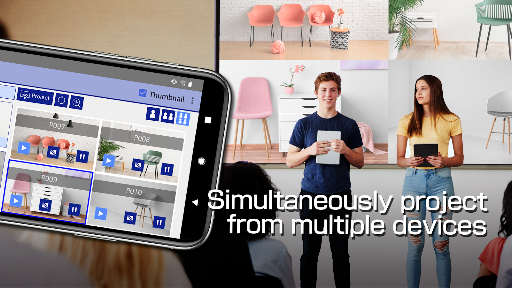
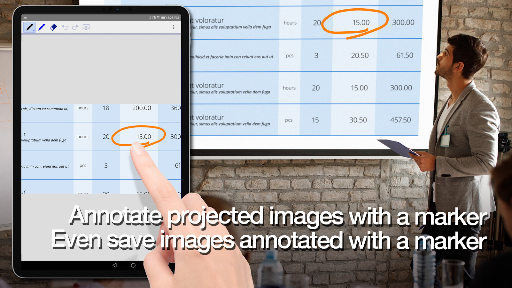
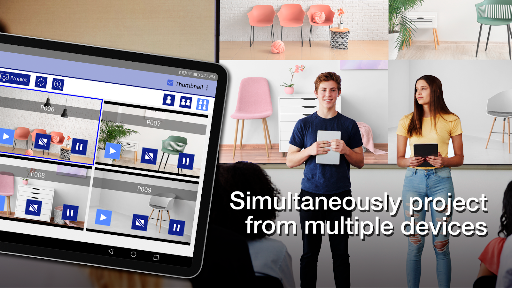
The app includes projector controls, so a phone can act as a remote, and a pen tool for marking up projected images and saving the edited versions. A session can connect up to 50 devices and show as many as four screens at once; participants can also share the projected image with connected devices. These tools are most relevant when several people need to contribute, rather than for simply displaying one file.
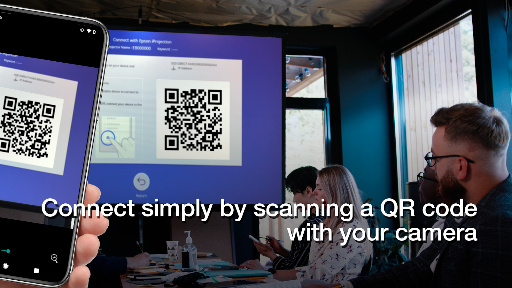
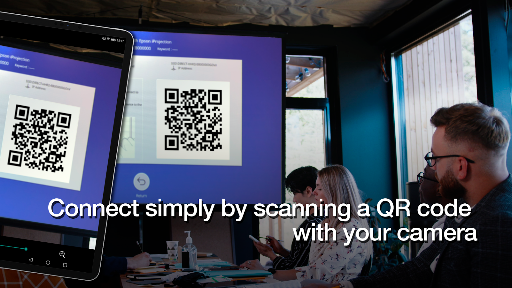
The projector must support iProjection, have its network settings configured, and be connected to the same network as the Android device. You can search for a projector or enter its IP address; some models also allow connection by scanning a QR code shown by the projector. Compatibility is the key limitation: the app is for supported Epson projectors, not a general-purpose way to cast to any screen. Epson’s support information lists compatible models.
Seiko Epson Corporation is the developer. The app is listed in Productivity with a 4.2 rating from 18,356 ratings and 5,000,000+ installs. Those figures describe its store listing; they do not establish whether a particular projector or network setup will work well for you.