Capture your phone screen
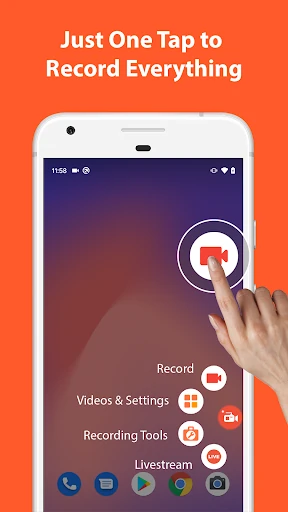
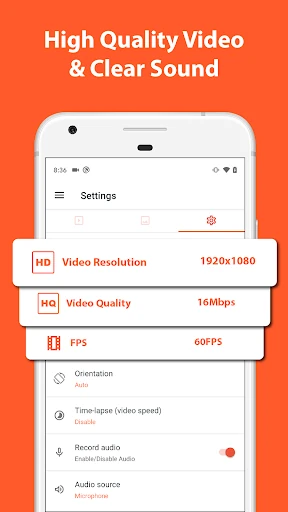
Screen Recorder - AZ Recorder records on-screen activity, with audio from the microphone or internal audio. It suits people making gameplay clips, walkthroughs, or demonstrations, and anyone who needs a video of something happening on their phone. You can pause and resume a recording, show your face in a floating window, and draw on the screen as you record. The app’s listing says recordings have no watermark or time limit.
Edit before sharing
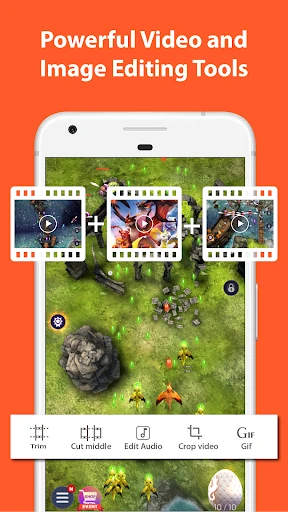
Basic video editing tools let you trim clips, remove sections, merge videos, add music or subtitles, crop and rotate footage, and compress files. You can also take screenshots and edit them by cropping, blurring, adding text, or drawing. These tools make the app more useful for preparing a finished clip, though editing and sorting recordings still take time.
Record live, too
The app can stream your phone screen to YouTube or Facebook, with audio and an optional facecam. That makes it relevant for live gameplay or showing an app to an audience, rather than only saving videos for later. If you just need a short clip, the recording and trimming tools are the more direct route.
Reach and rating
AZ Screen Recorder is listed in Video Players & Editors, with 100,000,000+ installs. Its store rating is 4.76 from 1,950,637 ratings. Those figures show reach and user scores; they are not a guarantee that the app suits your needs. It is most useful when you have a specific screen activity to capture or share, rather than as a general video-making tool.